If you’re using the WhatsApp Business API via Meta Business Manager and seeing a billing error, even after adding a payment method, it’s likely because your tax information is missing. Just adding a card isn’t enough. To start sending messages and get billed properly, you must update your business tax info. Without it, your WhatsApp Business Account (WABA) may stay inactive or unable to send messages, especially in regions that require invoicing with tax compliance.
Here’s a step-by-step guide to help you fix this.
Step-by-Step Guide to Update Tax Info on Meta Business Manager
1. Go to business.facebook.com and log in to your Business Manager account.
2. In the left sidebar, click on Settings.
3. Navigate to Billing & Payment.
4. Find and select the WhatsApp Business Account (WABA) that's showing the error.
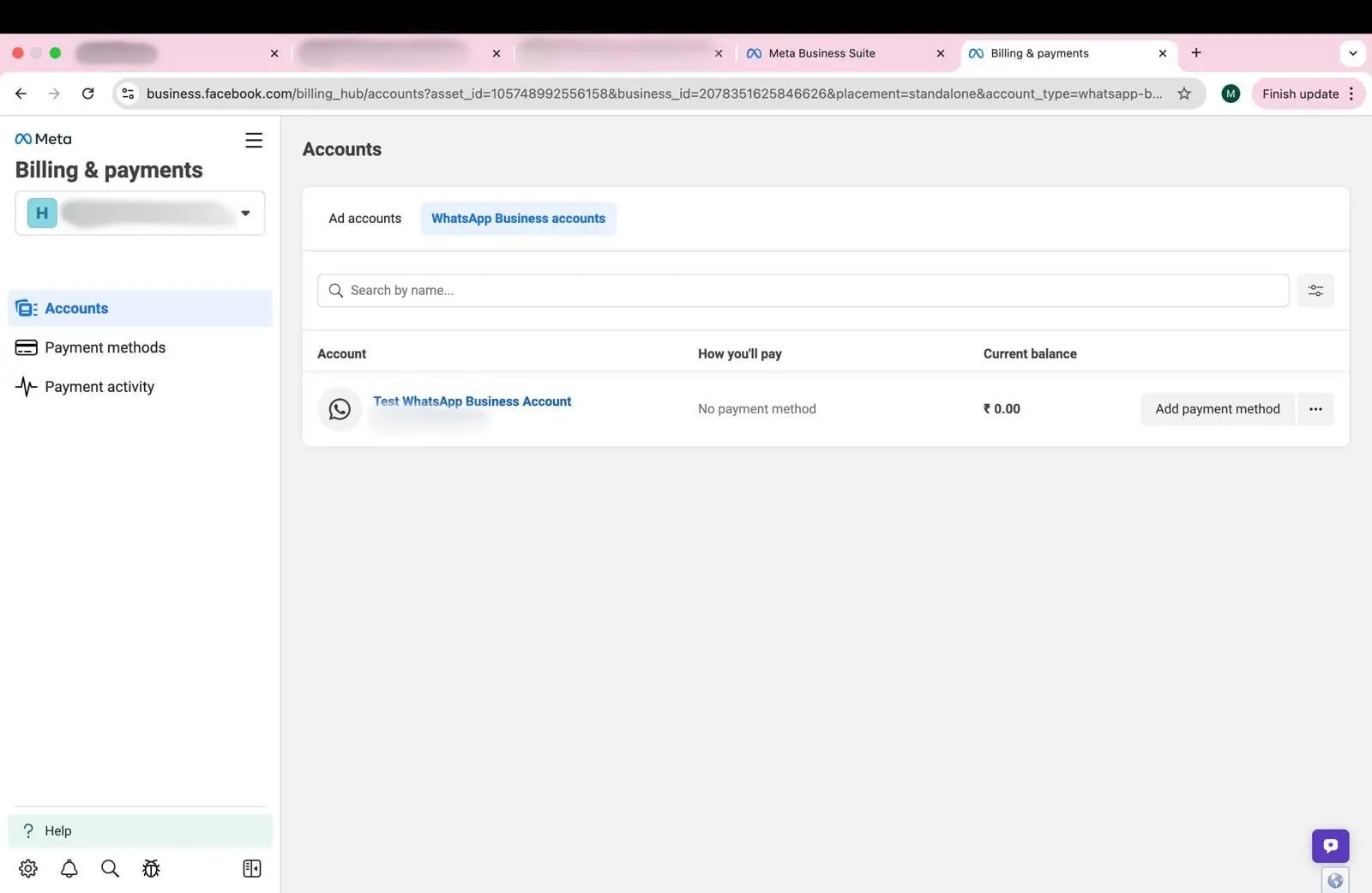
5. Under the Business Info section, click Edit.

6. Fill in all required fields: Business Name, Tax ID, Business Address, Currency
7. Save your changes and wait a few minutes for the system to update.
For more insights related to WhatsApp Business API, check out heltar.com/blogs.